

Why Use Two-Factor Authentication? A Guide for New York Businesses


Online security is more important than ever. With cyber threats on the rise—targeting everyone from Wall Street firms to local Long Island shops—protecting your accounts is crucial.
Two-factor authentication (2FA) offers a simple yet effective solution for secure login and enhanced security. It adds an extra layer of security beyond just a password and strengthens account protection through rigorous identity verification. This method ensures that only authorized personnel can access your accounts, even if a password is compromised, improving overall login security as part of smart cybersecurity measures.
In many technical guides, this is also called two-step verification and is a core element of multi-factor authentication (MFA).
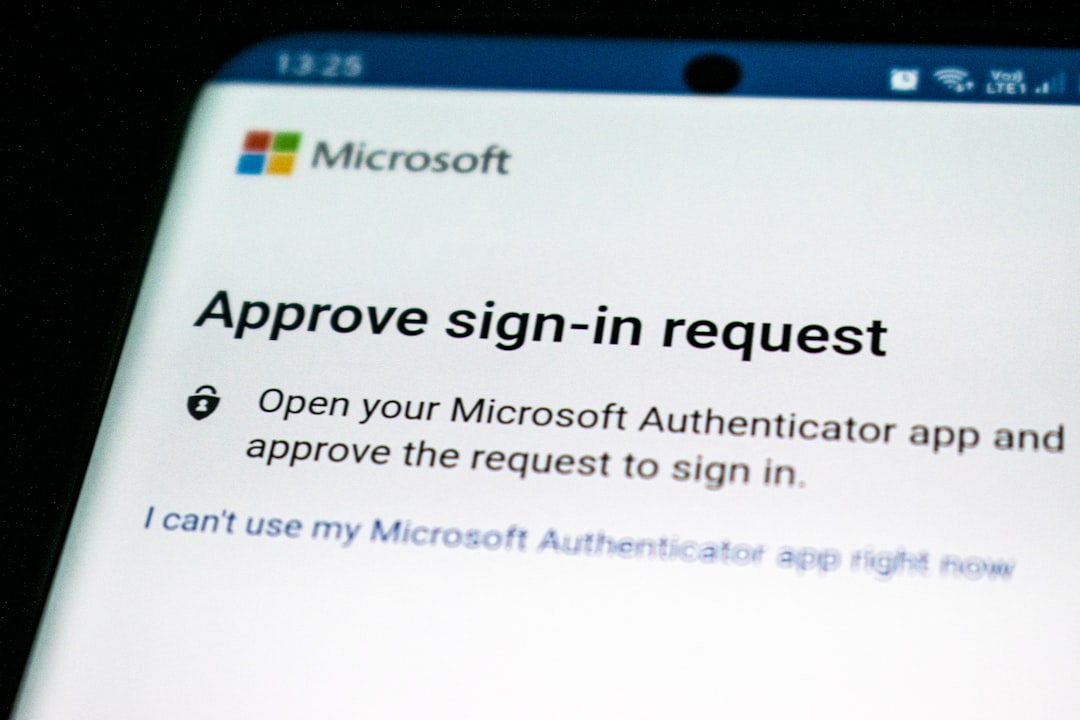
What Is Two-Factor Authentication?
Two-factor authentication (2FA) is a security process that requires two different forms of identification. This approach adds an extra layer of security beyond traditional password protection. It is widely used in various industries—from healthcare in Queens to legal firms in Manhattan—to ensure secure access and reliable identity verification.
The core concept is that 2FA requires two forms of identification:
- Something you know (e.g., your password).
- Something you have (e.g., a phone with a code or a hardware key).
- Something you are (e.g., fingerprint or facial recognition).
This combination makes unauthorized access far more difficult and is considered one of the most effective authentication methods available today.
How Two-Factor Authentication Works
Two-factor authentication enhances security by combining two distinct authentication methods. This method minimizes the risk of unauthorized access. Even if one credential (like a password stolen via phishing) is compromised, the other remains secure.
Common steps in 2FA include:
- Entering your password or PIN (something you know).
- Receiving a code via SMS or an app (something you have).
- Entering the received code to gain access.
Once both factors are verified, access is granted. This layered approach offers peace of mind by substantially enhancing account security.
Benefits of Two-Factor Authentication for Login Security
Two-factor authentication significantly boosts login security by adding an extra layer of protection. It ensures that even if your password is known, your account remains safeguarded. Here is a list of the key benefits for businesses:
- Enhanced security beyond password-only systems.
- Reduced risk of unauthorized account access.
- Increased protection against phishing attacks.
When users know their data is secure, they are more likely to trust the system. This trust contributes to strong account protection and compliance with regulations like the NY SHIELD Act.
Real-World Use Cases: From Consumer Apps to Enterprise Security
To understand the importance of 2FA, we can look at its widespread adoption. It isn't just for government secrets; it is used by major platforms to safeguard users. Common examples include:
- Chase: "Chase two factor authentication" is a standard for protecting financial assets. If a bank requires it for your money, your business should require it for your data.
- DoorDash: Security is so tight on consumer platforms that users sometimes search "can t delete doordash account requires two factor authentication." This strict adherence prevents hackers from hijacking accounts or erasing data.
- Discord & Gaming: "Discord two factor authentication" and "Warframe two factor authentication" are essential in the tech and gaming communities to prevent identity theft.
If these consumer-level applications prioritize identity verification, your business infrastructure must do the same to prevent costly data breaches.
Common Authentication Methods
Various authentication methods serve different user preferences and security needs.
- Authenticator apps: (Google Authenticator, Microsoft Authenticator) – The industry standard for business.
- SMS codes: Convenient, though less secure than apps.
- Hardware tokens: (YubiKeys) – The "Gold Standard" for high-security environments.
How to Enable and Manage Two-Factor Authentication
Enabling two-factor authentication is the first step toward a secure business.
- Navigate to your account settings or security admin panel.
- Look for the 2FA or Multi-Factor Authentication option.
- Choose your method (App or Token).
- Confirm your identity verification.
Managing two-factor authentication involves regular checks. For businesses, this means auditing who has access.
- Regularly review and update your 2FA methods.
- Confirm backup verification methods are current.
- Respond promptly to any security alerts.
Can You Turn Off Two-Factor Authentication? Pros and Cons
Yes, you can turn off two-factor authentication, but for a business, it comes with significant risks. You might see employees asking questions like "how do you disable two factor authentication," "how to turn off two factor authentication," or "how to turn two factor authentication off" because they want faster logins.
While the main advantage of turning 2FA off is convenience (easier login process), the Cons far outweigh the Pros:
- Cons: Increased security risks, potential for unauthorized access, and higher vulnerability to ransomware.
Conclusion: Two-Factor Authentication as a Key Cybersecurity Measure
In today's digital age, two-factor authentication (2FA) is a vital tool. It helps to bolster your defenses against cyber threats. By requiring two forms of identity verification, 2FA significantly minimizes unauthorized access.
- Adopting 2FA is a strong step in your cybersecurity strategy. It provides an additional layer of protection beyond passwords. Whether you are in Long Island, Brooklyn, or Manhattan, this is a "must-have" for protecting your business.